
Nintendo eShop Gift Cards


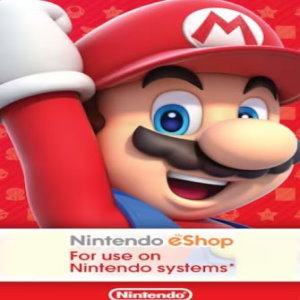
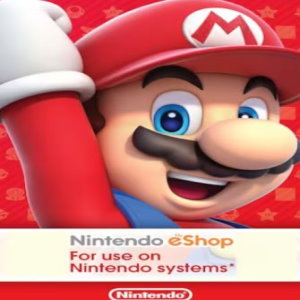
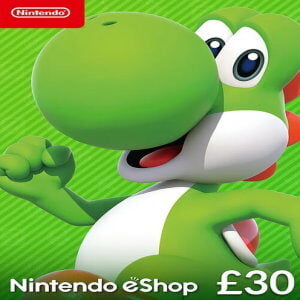
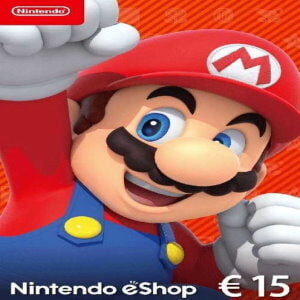
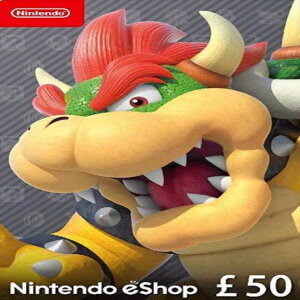
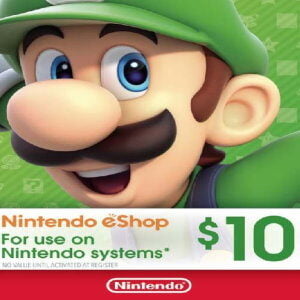
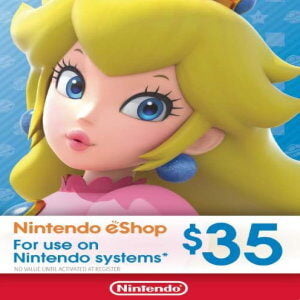
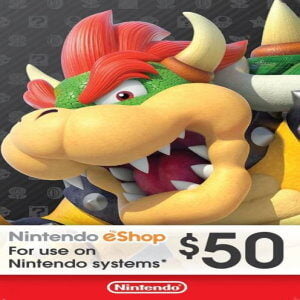
Buy Your Nintendo eShop Card Online with Ease
Buy your Nintendo eShop Card online and instantly top up your account. No credit card is required. Pay securely using bKash, Nagad, or Rocket. Your gift card is delivered instantly via email, 24/7. Purchase games safely and directly from the Nintendo eShop for your Nintendo console, including the Switch. Thousands of amazing games are waiting for you!
What is a Nintendo Gift Card?
A Nintendo eShop Card is a convenient way to add funds to your account. With it, you can easily purchase games, DLC, and other digital content for your Nintendo Switch. Nintendo originally started as a company making handmade playing cards. In 1977, it took a major step by launching its first video game console. Today, Nintendo remains one of the world’s most popular and innovative gaming brands.
FAQ’s about Nintendo eShop Cards
Do Nintendo eShop Gift Cards Expire?
No, Nintendo eShop Gift Cards do not expire and can be redeemed at any time.
What payment methods can I use to buy Nintendo eShop Gift Cards in Bangladesh?
You can buy Nintendo eShop Gift Cards from GamerShopBD using convenient local payment methods like bKash, Nagad, and Rocket. After completing your payment, you will receive your digital Nintendo eShop code quickly.
Are Nintendo eShop Cards Region Locked?
Nintendo eShop Gift Cards are region-locked depending on the currency of the card. You can only use them in regions that support the same currency. For example, if you purchase a USD eShop code, it can only be redeemed in regions where USD is accepted. Make sure your Nintendo account matches the card’s regional currency before redeeming.
What can I buy with Nintendo eShop Credit?
With Nintendo eShop credit, you can access thousands of games and digital content by topping up your Nintendo account. You’ll find popular titles such as Mario, Zelda, Animal Crossing, Pokémon, and Metroid, along with classic favorites and indie games. You can also purchase DLC and season passes using your prepaid balance. Everything is available through the Nintendo eShop for devices like the Nintendo Switch and Nintendo Switch Lite.
How to use a Nintendo Card?
It’s very simple! Open the Nintendo eShop icon from the HOME menu on your Switch. Select “Enter Code” on the left side of the screen and type in the activation code you received from us. Press “OK” and your credit will be added to your account. For alternative redemption methods, you can also visit Nintendo’s support website.
Can I use my eShop Card more than once?
No, each eShop Card can only be redeemed once. The full balance is added to your Nintendo account after activation. You can then use the credit until your available balance runs out.
How do I check my eShop Card balance?
On Nintendo Switch:
Open the Nintendo eShop from the HOME Menu.
Select the user profile linked to your account.
Your current balance will appear in the top-right corner of the screen.
On a Web Browser:
Go to the Nintendo Account website.
Sign in to your account.
Open the “Shop Menu” to view your available eShop balance.
Be careful not to accidentally redeem a code while checking your balance.
Can I use the Nintendo Card for Nintendo Switch Online?
Yes, you can redeem your eShop Card and use the balance to purchase a Nintendo Switch Online subscription.
Which devices support a Nintendo Gift Card?
Nintendo Gift Cards can be used on the Nintendo Switch and Nintendo Switch Lite. Older consoles are not supported.
How do I contact Nintendo customer service?
Visit the Nintendo Support page if you need assistance, and select your preferred way to contact their support team.